My Pebble
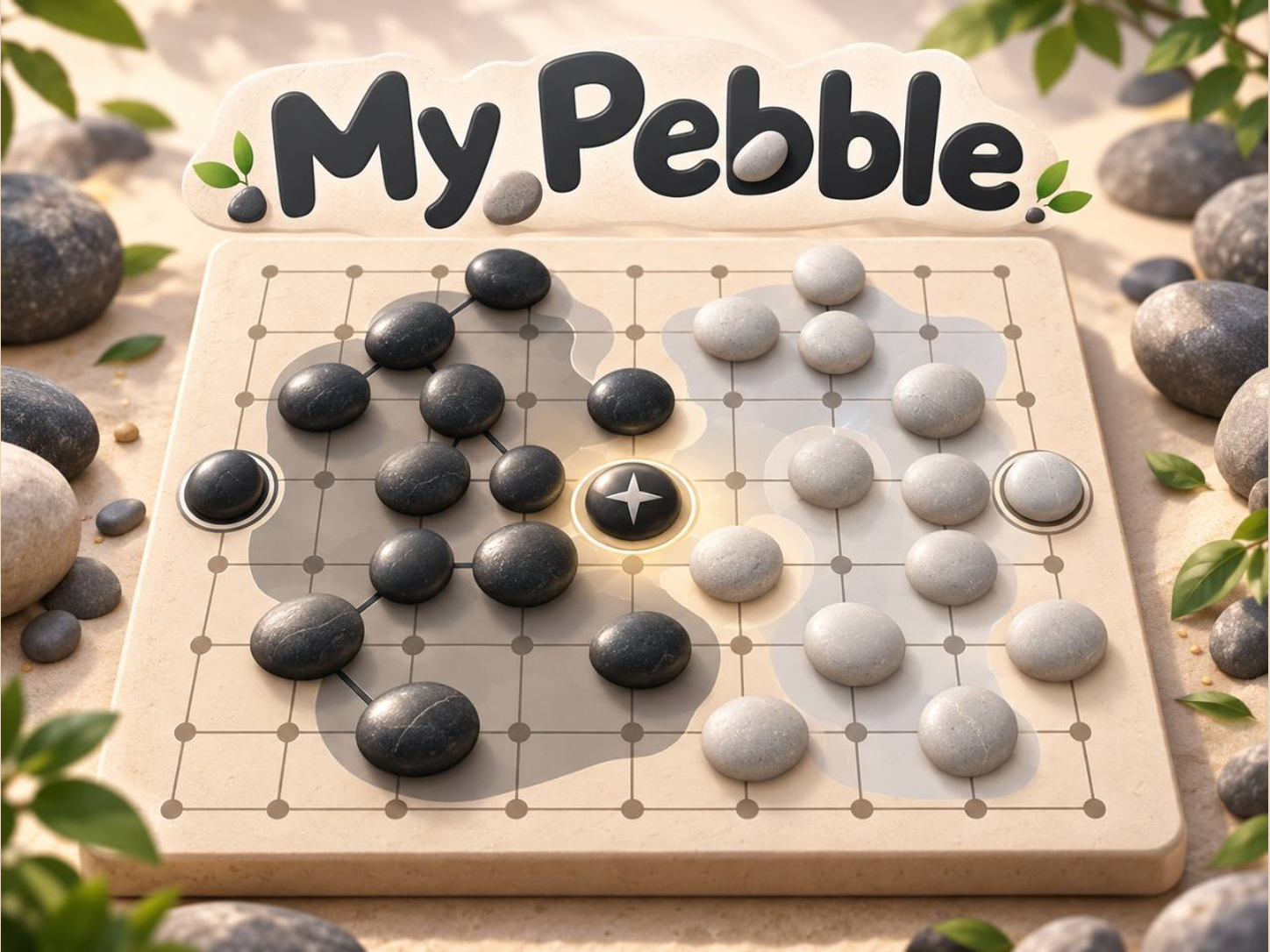
Place pebbles, claim territory and keep your pieces connected to your anchor. Control the Star Pebble in the centre for three extra points.
- Players
- 2 players only
- Turns
- Take turns when you’re free
- Round length
- Play twelve rounds at your own pace. The player who presses Start in the Room takes the first turn in a new match.
- Controls
- Tap an empty intersection to preview, then tap the same pebble again to place it.
- What you need
- Guest play is available. Two players must join the same Room using an invite link. JavaScript is required.
How to play
Place On your turn, tap an empty intersection to preview territory changes. Tap the same pebble again to place it.
Connect Keep your pebbles linked to your larger edge pebble, your anchor. Links follow rows or columns and can bridge one empty intersection. Disconnected pebbles stay on the board but control no territory.
Capture and cut Surround an opponent group to capture its ordinary pebbles. Empty intersections directly beside the group keep it safe. Block a bridge to disconnect its pebbles and territory.
Control the Star Pebble Connected pebbles spread influence. Control the centre Star Pebble for 3 bonus points. Its icon appears beside the controller’s pebble under their avatar. Equal influence awards no bonus.
Score points Active pebbles and controlled empty intersections score 1 each. Captures score 1 each. Finish after 12 rounds, or when both players pass in a row.
Finish with more points than your opponent. Equal totals draw.
Keep a pebble connected

Open a Room, send the invite link, then start when your opponent joins. Tap an empty point near your anchor to preview your first move.