Platform comparisons

Drawasaurus alternative for mobile drawing groups

Drawasaurus is best when players already want that platform. QuickiePlay is faster when players need one browser link that works across devices.

Use QuickiePlay when setup friction matters: Use a supported browser, quick play with strangers, or create and join private drawing rooms with friends. QuickiePlay is better for mobile groups that want Dooduel or What is this? as shorter private drawing rounds from one shared link.

No installOne link
Works onAny browser
RoundsFast replay
QuickiePlay One browser link

No app install before play. Open on phone, tablet, laptop, or desktop.

Competitor Drawasaurus

Best when players already want that platform, library, or account history.

Quick verdict

Use QuickiePlay when setup friction matters: Use a supported browser, quick play with strangers, or create and join private drawing rooms with friends. QuickiePlay is better for mobile groups that want Dooduel or What is this? as shorter private drawing rounds from one shared link.

Drawasaurus alternative for mobile drawing groups when friends want shorter browser doodle rounds without stranger lobbies or private room setup.

Drawasaurus evidence

Use a supported browser, quick play with strangers, or create and join private drawing rooms with friends

QuickiePlay is better for mobile groups that want Dooduel or What is this? as shorter private drawing rounds from one shared link.

Fast answer

Use this answer to decide whether QuickiePlay or Drawasaurus fits the group setup first.

How is QuickiePlay different from Drawasaurus? QuickiePlay is better for mobile groups that want Dooduel or What is this? as shorter private drawing rounds from one shared link.
QuickiePlay fit QuickiePlay fits Drawasaurus alternative searches when Dooduel, What is this?, Guess Hue?, Don't Pop It give groups a one link browser option. QuickiePlay is better for mobile groups that want Dooduel or What is this? as shorter private drawing rounds from one shared link.
Outside fit Choose Drawasaurus for Strong for live Pictionary style drawing and guessing groups.
Next step Pick one focused QuickiePlay game by player count and mood, start it, then send the link instead of setting up Drawasaurus.

Pain point answer

Match the alternative to the exact friction: setup, device lock in, host need, room code, timing, or game mood.

Pain point answer Use QuickiePlay when Drawasaurus adds setup friction

The practical switch is one browser link instead of Use a supported browser, quick play with strangers, or create and join private drawing rooms with friends.

Device lock in Better fit for phone, tablet, laptop, and desktop browser groups

Players do not need the same app store, phone brand, host screen, or room code before the first round.

Game fit Dooduel, What is this?, Guess Hue?, Don't Pop It are the QuickiePlay options here

4 listed games support async or turn based returns when players cannot stay live. Choose the outside option when its live room, catalog, or community is the main reason to play.

Platform pain solution

Use this before the comparison table to decide whether the group is solving setup friction or choosing a full outside platform.

Platform setup to compare Use a supported browser, quick play with strangers, or create and join private drawing rooms with friends

Use QuickiePlay when that setup is the friction. QuickiePlay is better for mobile groups that want Dooduel or What is this? as shorter private drawing rounds from one shared link.

QuickiePlay solution path Start Dooduel, What is this?, Guess Hue?, Don't Pop It from one browser link

Current facts: player count 2 to 5 players, 1 to 5 players; setup One link to start; round pace Async 60 second drawing turns, Async draw and sequential guesser turns, Short async colour challenge, and more.

Stay with Drawasaurus when Strong for live Pictionary style drawing and guessing groups

The outside option still wins when its catalog, account system, host screen, room flow, or community is the reason to play.

First click Try Dooduel when the group wants a relevant QuickiePlay pick

One link to start. Async 60 second drawing turns.

When to switch from Drawasaurus

Use this decision guide before comparing the full table.

Switch to QuickiePlay when The group needs one browser link before anything else

Dooduel, What is this?, Guess Hue?, Don't Pop It use current setup facts such as One link to start.

Stay with Drawasaurus when Strong for live Pictionary style drawing and guessing groups

The outside option still fits when players prefer Use a supported browser, quick play with strangers, or create and join private drawing rooms with friends.

Pick the first game by 2 to 5 players, 1 to 5 players; Async 60 second drawing turns, Async draw and sequential guesser turns, Short async colour challenge, and more

Use player count and round pace before choosing a game mood.

Invite flow to use 4 listed games support async or turn based returns

Start a round, send the browser link in the existing chat, and let players open it on their own device.

Platform setup evidence

Current public game facts and outside setup notes show when Drawasaurus or QuickiePlay fits first.

Focused QuickiePlay picks Dooduel, What is this?, Guess Hue?, Don't Pop It are the focused picks

One link to start. Phone and desktop browser. Player fit: 2 to 5 players, 1 to 5 players.

Drawasaurus setup Use a supported browser, quick play with strangers, or create and join private drawing rooms with friends

Strong for live Pictionary style drawing and guessing groups

QuickiePlay setup path Open a public game in the browser before app or host setup

Dooduel: Async 60 second drawing turns; What is this?: Async draw and sequential guesser turns; Guess Hue?: Short async colour challenge; Don't Pop It: Three rapid async stages Choose by game mood, then send the normal browser link.

Stay outside when Strong for live Pictionary style drawing and guessing groups

QuickiePlay is better for mobile groups that want Dooduel or What is this? as shorter private drawing rounds from one shared link.

QuickiePlay picks for Drawasaurus alternatives

Focused picks from current public game facts, so this page compares relevant options instead of the full catalogue.

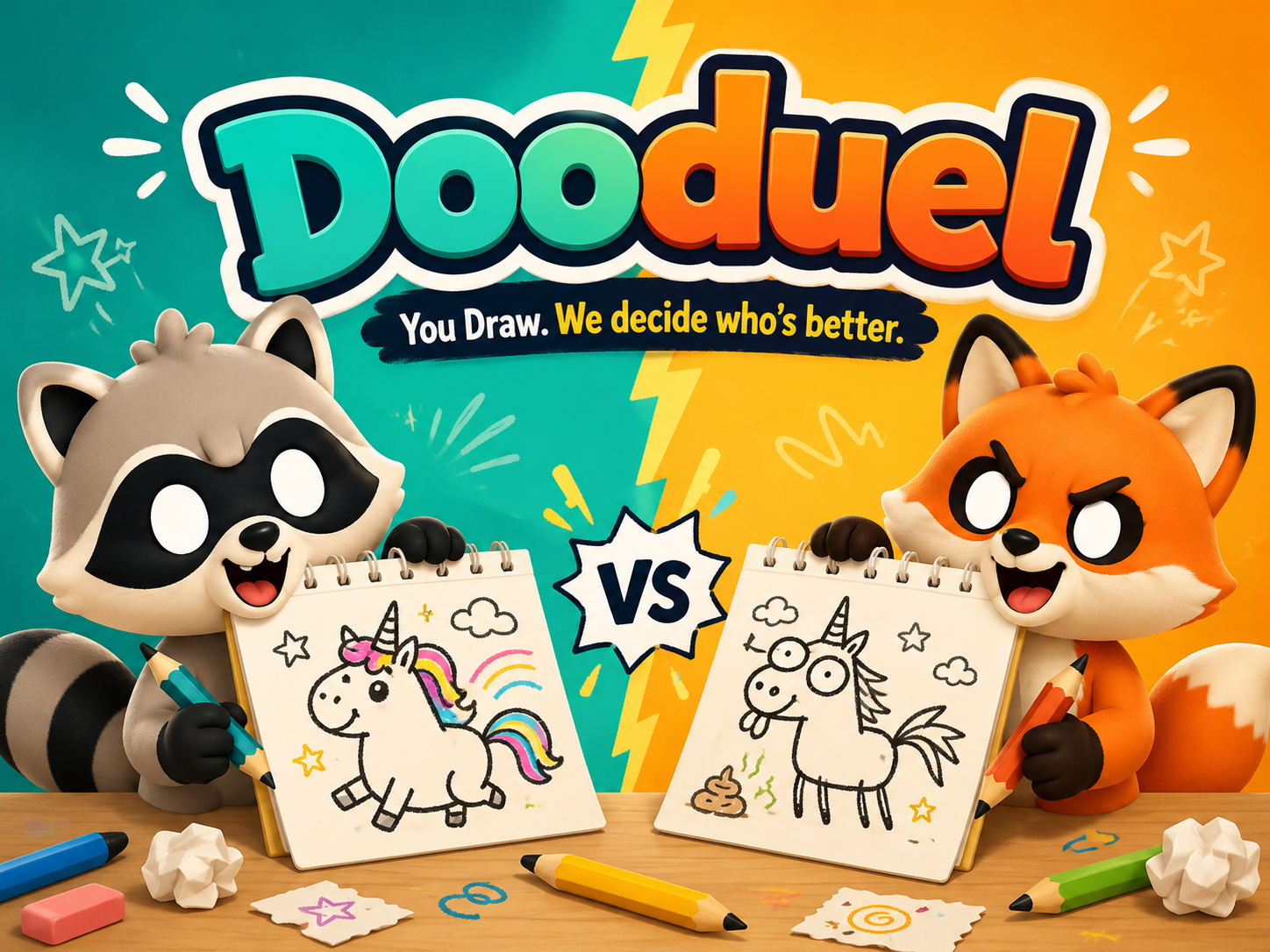
PARTY Dooduel

One link to start. Async 60 second drawing turns. Turn based.

Start Dooduel
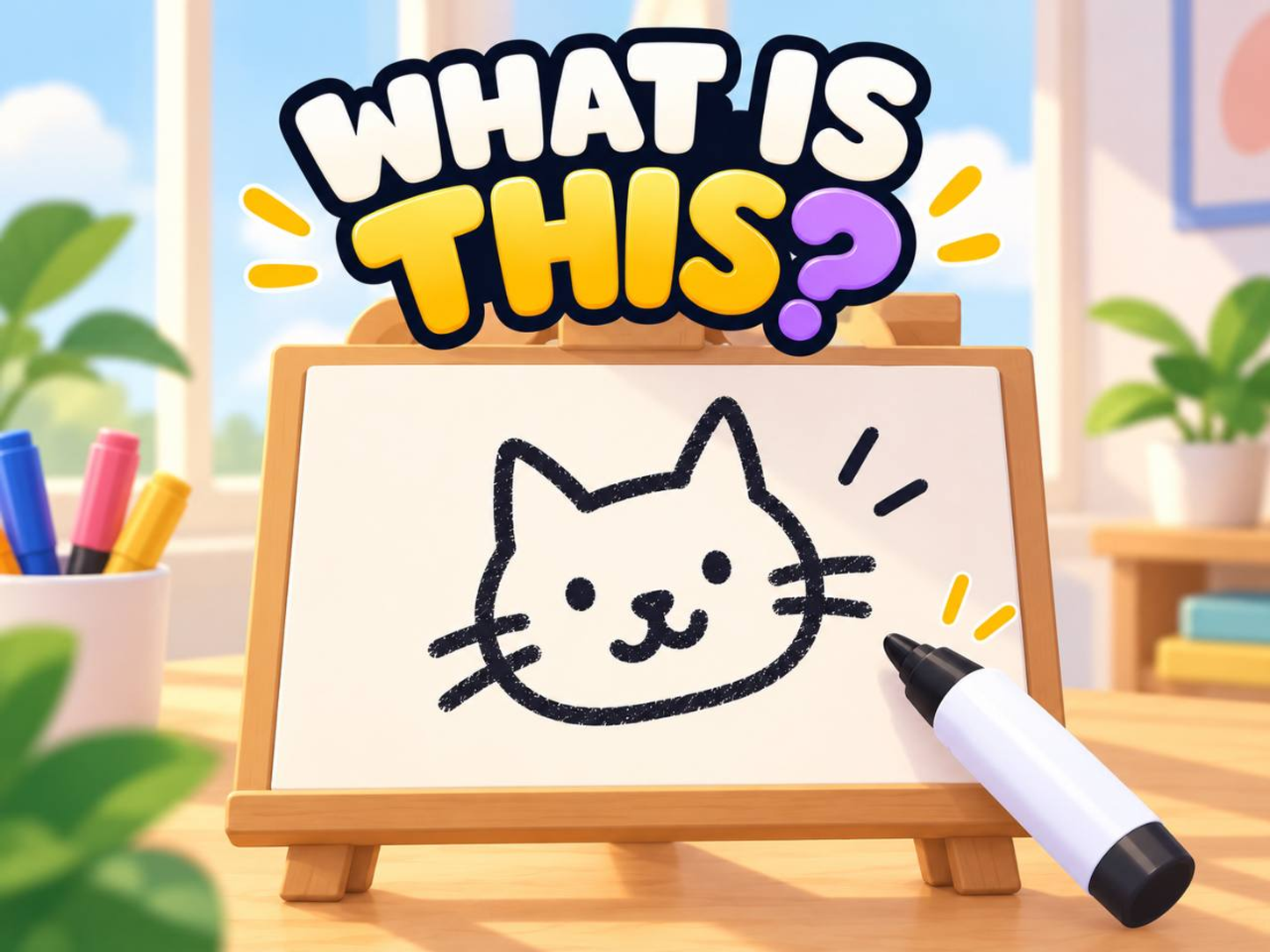
DUEL What is this?

One link to start. Async draw and sequential guesser turns. Turn based.

Start What is this?
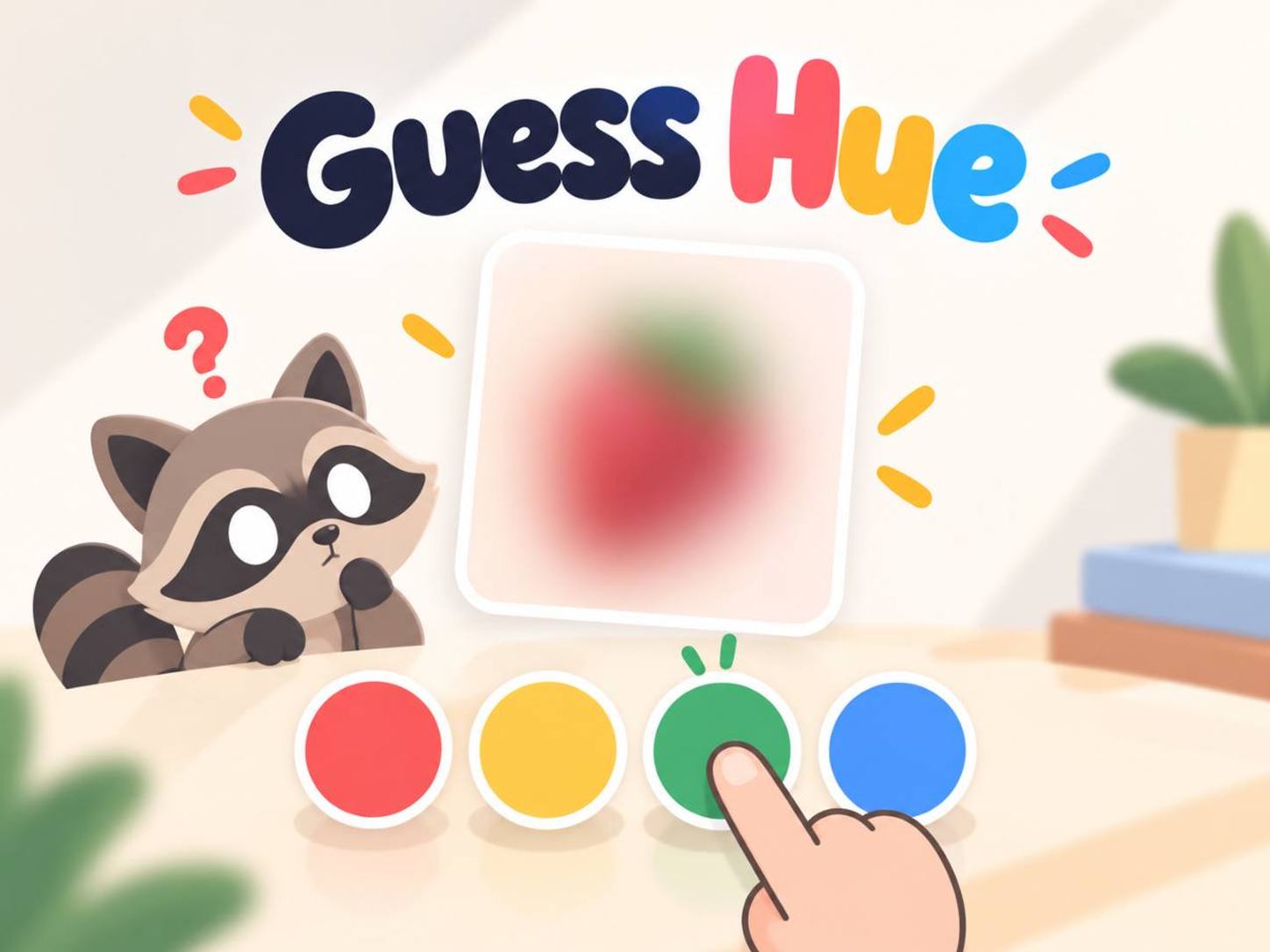
DUEL Guess Hue?

One link to start. Short async colour challenge. Async turns.

Start Guess Hue?
ARCADE Don't Pop It

One link to start. Three rapid async stages. Async turns.

Start Don't Pop It

Decision facts

Setup, install, account, async, device, and player fit in one scan.

Decision facts for Drawasaurus alternative for mobile drawing groups
Setup friction QuickiePlay opens from one browser link. Outside options may need an app, host, lobby, room code, or account.
Install need QuickiePlay public games do not need an app install before play.
Account need Players can start a QuickiePlay browser game before creating an account.
Async support 4 listed QuickiePlay games support async style turns or runs.
Round length Async 60 second drawing turns, Async draw and sequential guesser turns, Short async colour challenge, and more
Player count 2 to 5 players, 1 to 5 players
Device fit Phone, tablet, laptop, and desktop browsers.
Best fit Use QuickiePlay when setup friction matters: Use a supported browser, quick play with strangers, or create and join private drawing rooms with friends. QuickiePlay is better for mobile groups that want Dooduel or What is this? as shorter private drawing rounds from one shared link.
Drawasaurus platform comparison

Competitor context

Where outside games are stronger, and where QuickiePlay is faster to start.

QuickiePlay
Web browser social games Open one shared link on phone, tablet, or desktop

QuickiePlay

Best for quick private rounds with mixed device players

Fast browser start, one shared link, and no platform lock in before play.

Drawasaurus
Browser drawing and guessing room Use a supported browser, quick play with strangers, or create and join private drawing rooms with friends

Drawasaurus

Strong for live Pictionary style drawing and guessing groups

QuickiePlay is better for mobile groups that want Dooduel or What is this? as shorter private drawing rounds from one shared link.

Detailed comparison

Detailed game comparison for Drawasaurus alternative for mobile drawing groups
Game Genre Turn style Controls Best fit Best edge
Dooduel PARTY Turn based Draw on the canvas with limited colours and brush sizes Small groups who like creative prompts, async turns, and low pressure score chasing. QuickiePlay edge
What is this? DUEL Turn based Draw with the canvas tools, then type guesses or spend tries on hints Two to five players who like doodles, guessing games, and funny imperfect drawings. QuickiePlay edge
Guess Hue? DUEL Async turns Move hue, strength, and depth sliders, then submit one final colour guess Two to five players who like colour reads, tiny details, and async one turn challenges. QuickiePlay edge
Don't Pop It ARCADE Async turns Tap any bubble except the forbidden colour Solo players and small groups who like reaction games, score chasing, and quick colour recognition. QuickiePlay edge

Common questions

How is QuickiePlay different from Drawasaurus?

QuickiePlay is better for mobile groups that want Dooduel or What is this? as shorter private drawing rounds from one shared link.

When should a group choose Drawasaurus instead?

Strong for live Pictionary style drawing and guessing groups

Research sources

Sources used for platform setup, market context, and QuickiePlay comparison facts on this page. Reviewed 2026-08-07.

Prepared by QuickiePlay

QuickiePlay prepared Drawasaurus alternative for mobile drawing groups from current public game facts and the linked outside sources, with no paid placement deciding the verdict.

Drawasaurus official site

Describes Drawasaurus as a free online drawing and guessing game similar to Pictionary, playable in a browser with strangers or private rooms for friends.

Google Search Central helpful content guidance

Guidance asks whether pages provide original research, analysis, and comprehensive useful description for people.

Ready to choose a game?

Browse every public QuickiePlay game and start the one that fits.

More comparisons

Related pages for game category and platform decisions.